Get your dollar salary straight into Ruvo
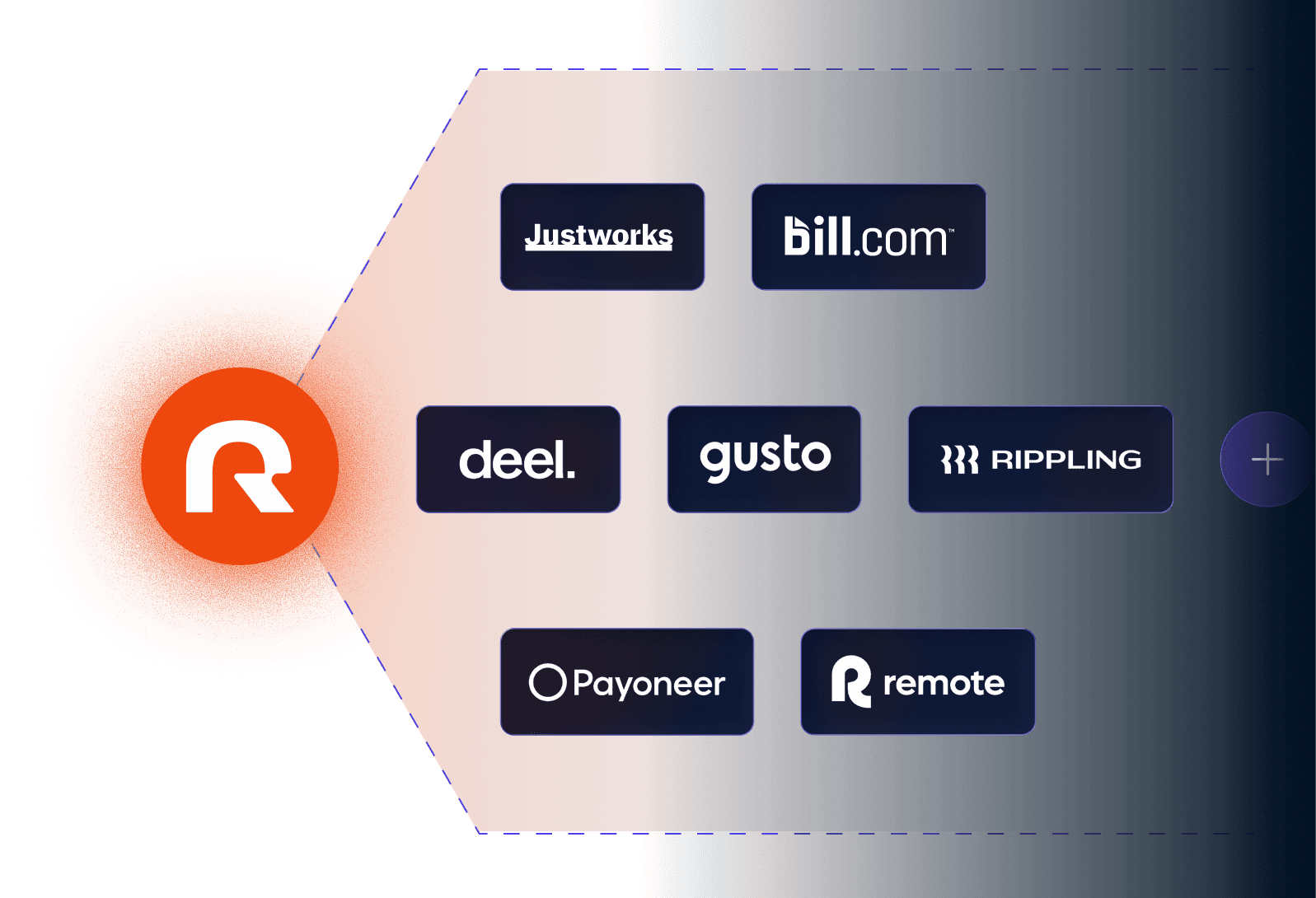
Connect Deel, Rippling, Upwork, Fiverr and other platforms in 2 minutes, and bring it to Brazil whenever you want, via Pix.
How it works
Open your Ruvo account
As an individual or with your company
Verification takes up to 3 days
Copy your US account details
In the app, under Add Money, choose receiving from a US account
Get paid via ACH in 1 to 3 days or domestic US Wire in 1 day
Connect to your platform
Paste the account and routing numbers as a payout method on the platform

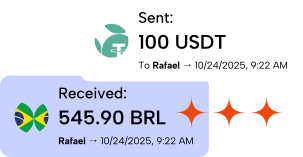
Once it lands in Ruvo, send it to any Pix instantly
Connect Ruvo to your payroll platform
Ruvo simplifies the complex process of receiving international payments, bridging the gap between global work and instant financial access
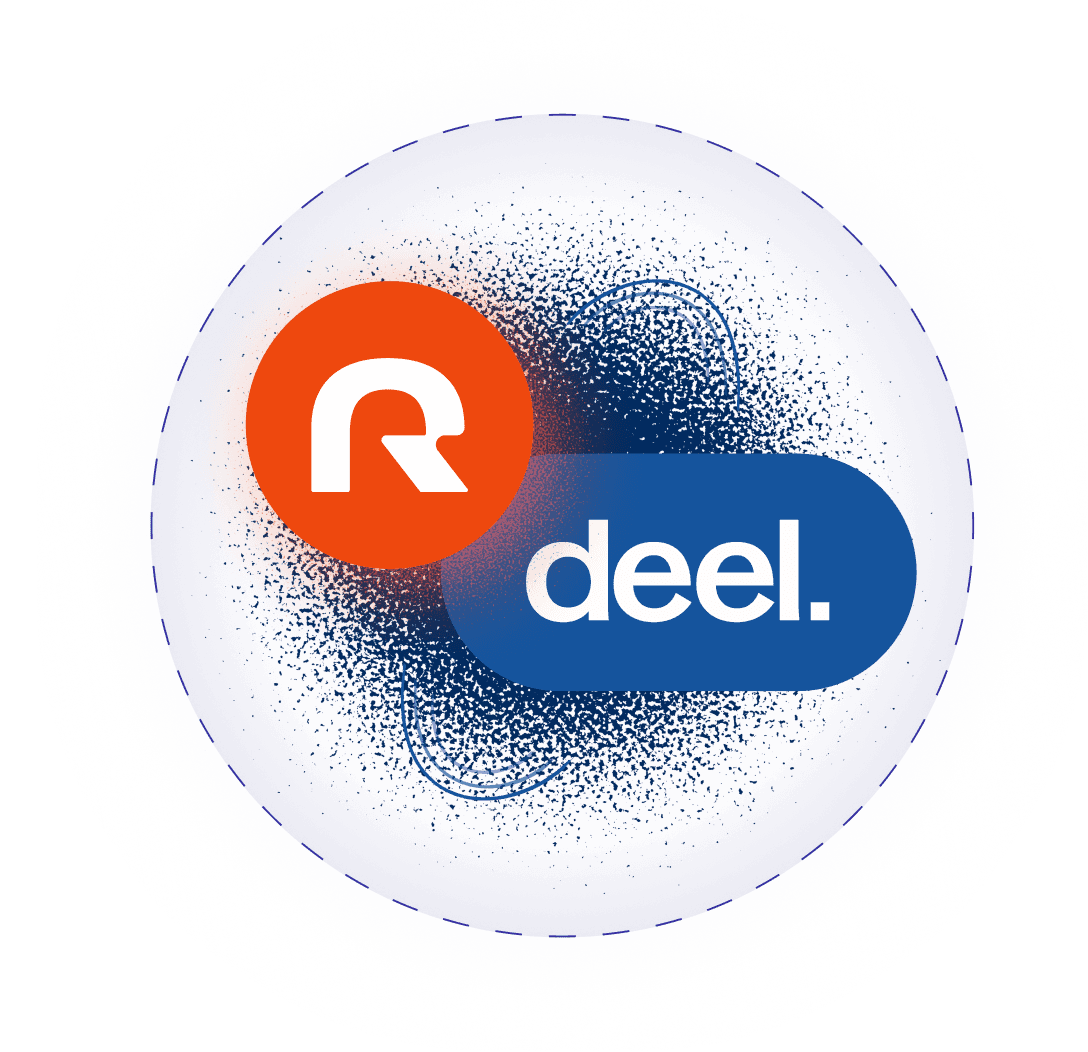
Step-by-step
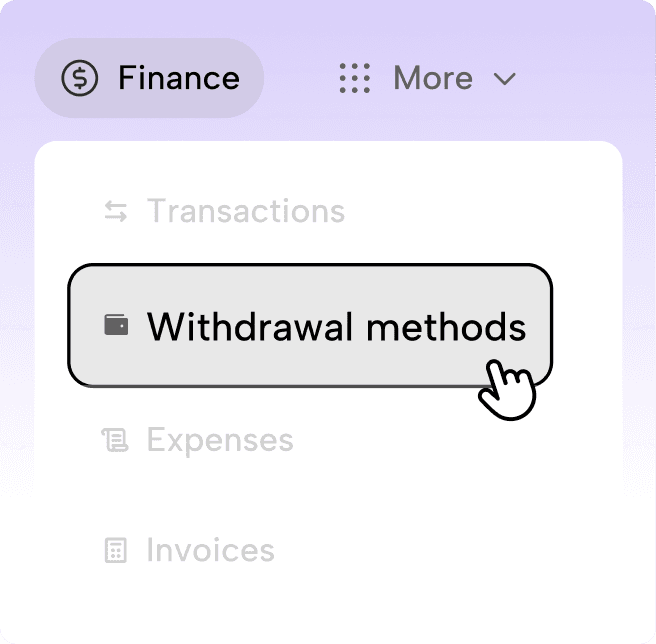
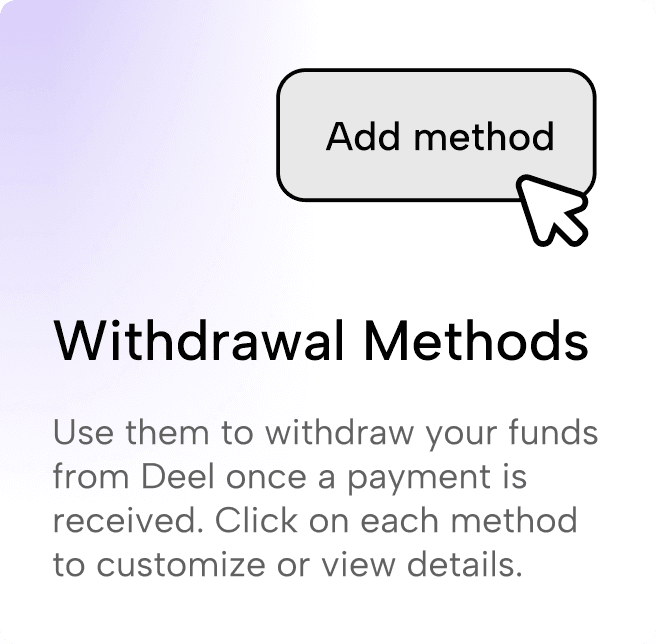
Open Withdrawal methods
In Deel’s sidebar, go to Finance and select Withdrawal methods.
Add a new method
On the Withdrawal Methods screen, click Add method in the top right.
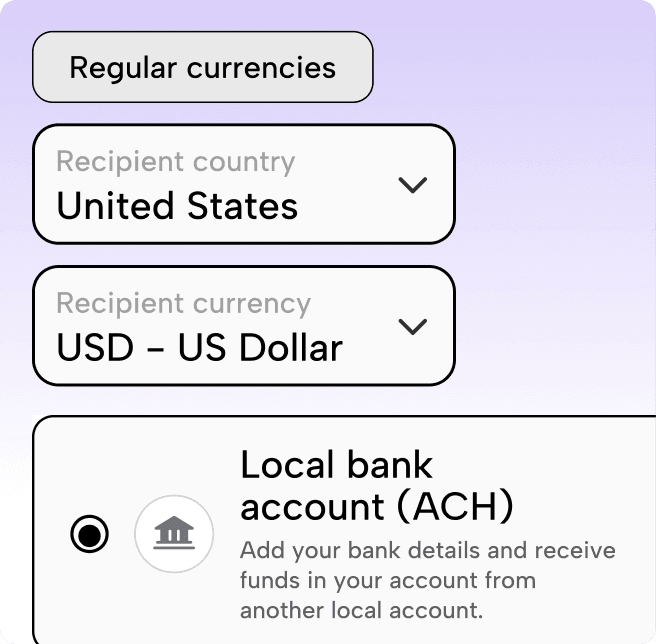
Choose currency and payout type
Pick your country and USD, then select Local bank account (ACH).
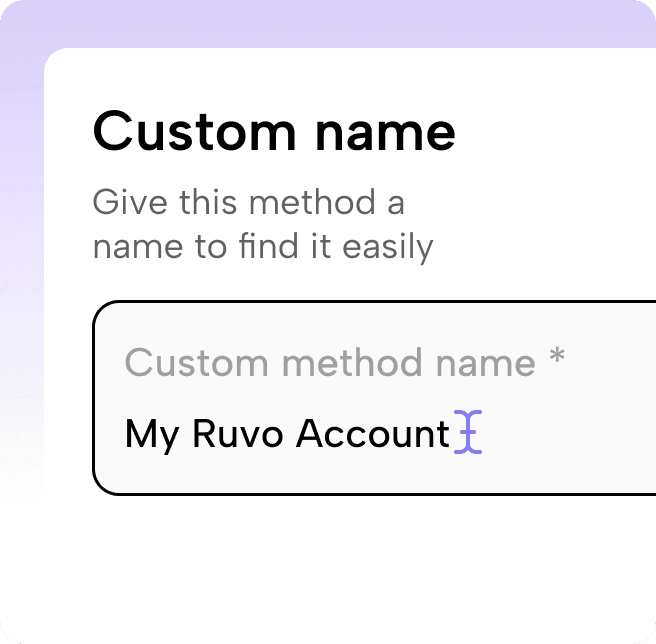
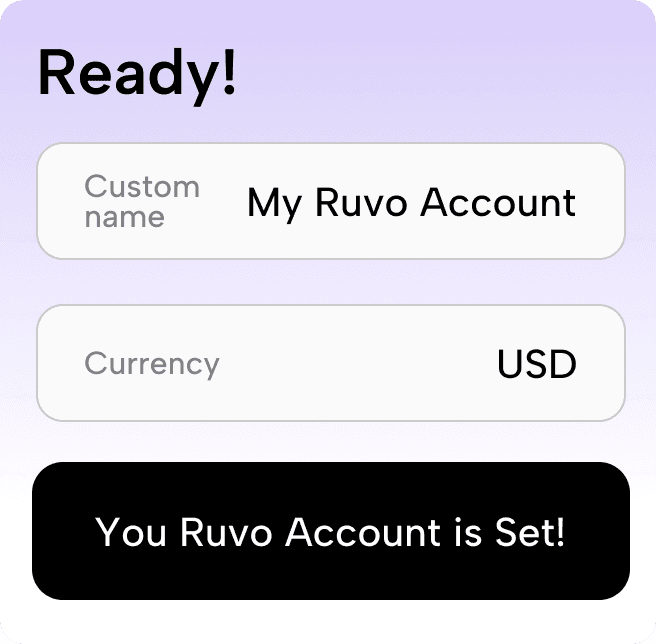
Name your payout method
Enter a custom name you’ll recognize — for example, My Ruvo Account.
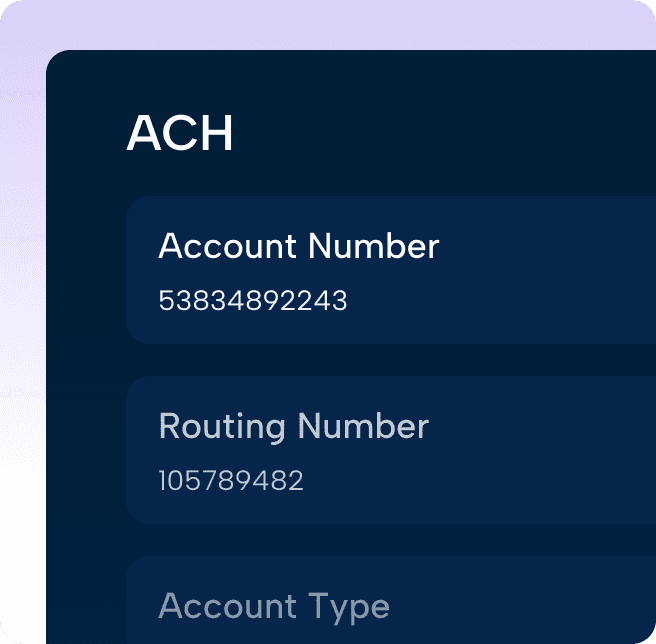
Copy your Ruvo ACH details
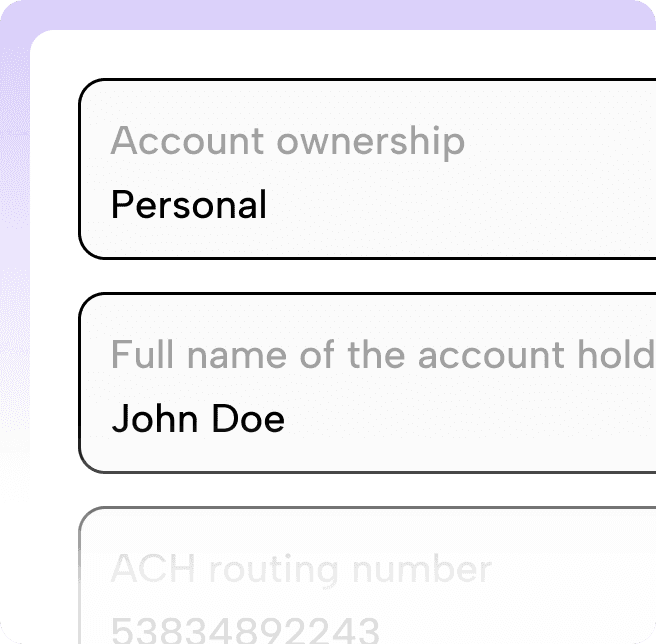
In the Ruvo app, open your USD account and copy your routing number, account number, and account type.
Enter the same details in Deel
Paste your Ruvo values into Deel’s bank form. Double-check that names and numbers match exactly.
Confirm you’re set up
Finish the flow in Deel. You’ll see a confirmation when your Ruvo USD account is ready for payouts.
 For people earning abroad
Working internationally opens new opportunities
Working with international clients often means higher pay, better opportunities, and more flexibility.
Better compensation for your skills
Global rates typically exceed what local markets offer for the same work.
More stable, recurring income
International contracts often run longer and more predictably than local projects.
Freedom to work on your terms
You choose clients, projects, and schedules without geographic limits.
People who already get paid through Ruvo, in their own words
From people who work for companies abroad and use Ruvo every month.
I've tried several digital wallets, and in many the onboarding is slow and bureaucratic. Ruvo was different: I finished signing up in far less time than I was used to.
Gabriel Bo
Designer and founder of Job na Gringa

The fee wasn't what weighed most in my decision. What caught my attention was having a complete experience in the app, simple and practical.
Felipe Ramires Terrazas
Analytics and AI manager at a US company

When I have a question or a problem, I can talk to a person and get real help. That kind of close support makes a difference, especially when we're talking about money.
Nathalia Garcia
UX designer at a NYC-based fintech
Ruvo provides U.S. ACH banking details that work with major payroll and employer-of-record platforms. Availability can vary by employer configuration—use your Ruvo USD account details wherever ACH withdrawals are supported.
See more questionsYou’ll use your Ruvo USD account number, routing number, beneficiary bank name, and account type (checking)—shown in the app when you add money via ACH from a U.S. account.
See more questionsACH deposits typically take 1–3 business days. Domestic U.S. wires often arrive in about 1 business day, depending on the sending bank and cut-off times.
See more questionsYes. Ruvo lets you send a Pix payment funded from your dollar balance — the conversion happens at the time of the Pix, and the recipient receives reais instantly. This removes the extra step of converting to reais first and then paying. It is useful for paying local contractors and/or freelancers or rent from the same balance where your dollar income sits.
See more questionsEmployers and platforms have different requirements. Ruvo supports business onboarding with a CNPJ for eligible accounts; complete KYB verification in the app for business-specific guidance.
See more questions- See more questions about Business