Cartão sem IOF. Seu dinheiro rende mais


Veja como funciona o seu Cartão Ruvo
Adicione saldo, carregue o cartão e gaste pelo mundo, tudo a partir da sua carteira Ruvo

Adicionar saldo
Adicione BRL, USD ou cripto à sua carteira Ruvo. A conversão em dólares digitais é instantânea, nos bastidores

Ativar
Escolha quanto do seu saldo da carteira você quer disponível no seu Cartão Ruvo.

Gastar
Use seu cartão Ruvo em qualquer lugar com Apple Pay e Google Pay, sem margem escondida no câmbio nem IOF.
Adicionar saldo
Adicione BRL, USD ou cripto à sua carteira Ruvo. A conversão em dólares digitais é instantânea, nos bastidores
Ativar
Escolha quanto do seu saldo da carteira você quer disponível no seu Cartão Ruvo.
Gastar
Use seu cartão Ruvo em qualquer lugar com Apple Pay e Google Pay, sem margem escondida no câmbio nem IOF.
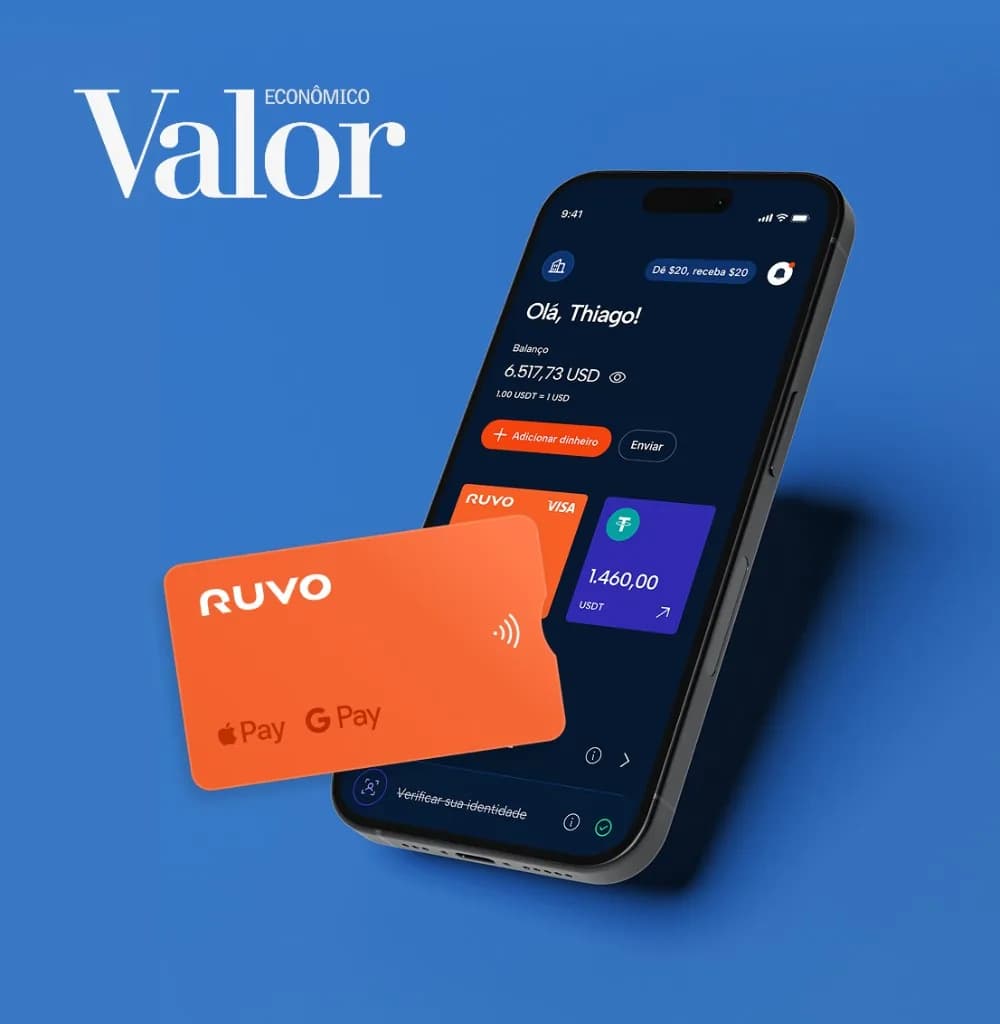
Dólares digitais via Pix na hora. Gaste no cartão com 0% de IOF em compras em dólar
A Ruvo utiliza o Pix como porta de entrada para uma conta global baseada em dólares digitais, movimentados por meio de um cartão, com 0% de IOF em compras em dólar. “Nós tornamos o Pix internacional. Você pode enviar um Pix e, imediatamente, transferir dólares para qualquer conta nos Estados Unidos ou gastar em dólares”, afirma o cofundador e CEO Alec Howard.
Continuar lendo
FAQs do Cartão
Perguntas comuns sobre o uso do seu cartão Ruvo
Pronto para a Ruvo?
Para onde a vida levar você, uma carteira só já basta.